Fix "User Installer is not meant to be run as Administrator"
One-click solution. No registry edits.
Works with VS Code, Cursor, Antigravity, and other Electron apps.
Also fixes: "Updates are disabled because you are running as Administrator"
Step 1: Download the universal fix tool
Step 2: Drag & drop your installer onto the .bat file
Works with any installer from any folder!
> How to Use
Place files together
Put the .bat file in the same folder as your installer
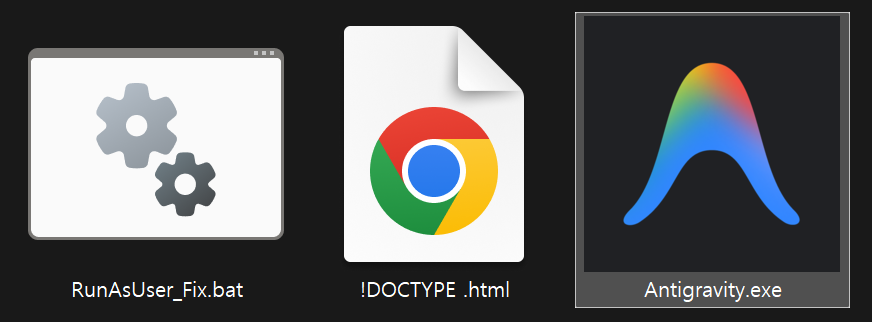
Drag installer onto .bat
Drag the .exe file onto the RunAsUser_Fix.bat icon
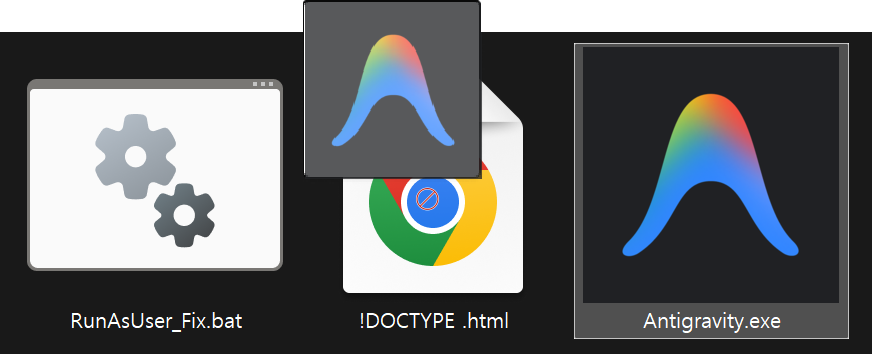
Drop & Done!
Release to run installer without admin conflicts
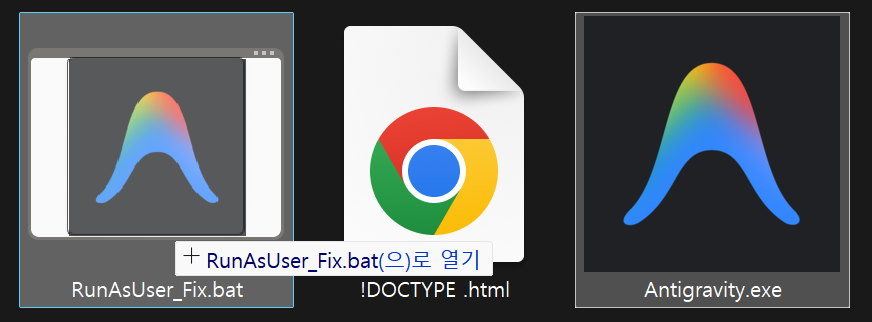
Note: Do NOT double-click the .bat file first. Drag the .exe directly onto the .bat icon in File Explorer.
> FAQ
What error does this fix?
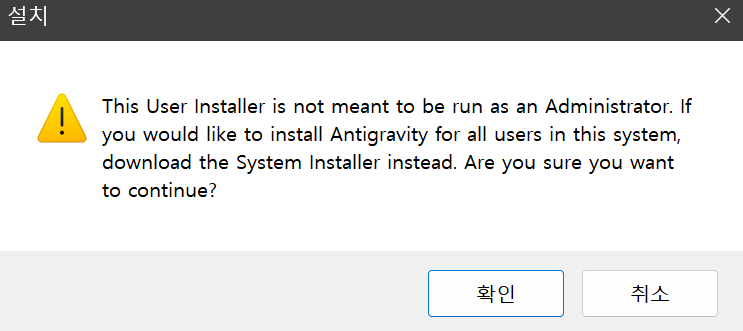
This tool fixes the "This User Installer is not meant to be run as an Administrator" error that appears when running user-scope installers with elevated privileges.
What does runas /trustlevel:0x20000 do?
0x20000 trust level forces the program to run without elevated (admin) privileges, bypassing the UAC admin token inheritance.Is this safe to use?
runas command. It doesn't modify any system files or registry settings. It simply tells Windows to run your installer with standard user permissions instead of administrator privileges.Which programs does this work with?
- Visual Studio Code (User Setup)
- Cursor IDE
- Antigravity
- Any Electron-based app with user-scope installer
Why does this error happen?
%LOCALAPPDATA%) without needing admin rights. When you run them as administrator, Windows tries to install to the Administrator's profile instead, which causes conflicts with updates and permissions.$ # How it works
Windows UAC creates two tokens for admin users: an elevated token and a basic user token. The runas /trustlevel:0x20000 command forces a process to use the basic user token, effectively "de-elevating" your privileges.
$ # Trust Levels
0x20000 = Basic User (what we use)0x40000 = Administrator